

1. What remote support means
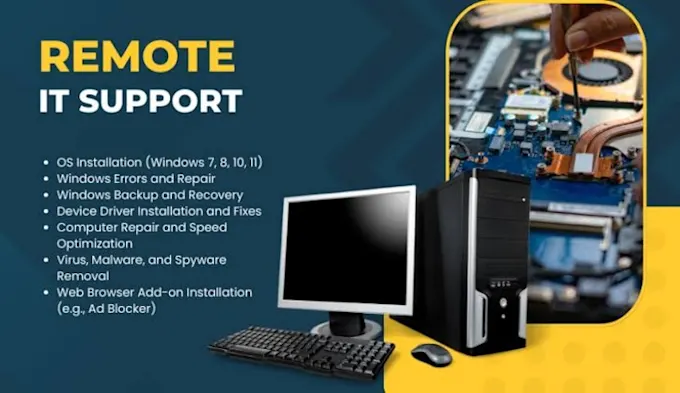
Remote IT support allows a technician to help you through a secure online connection. With permission, they can view the screen, guide you through the issue, or assist with certain fixes directly.
This can be quicker and more convenient when the problem is software-related rather than physical.
2. Software problems
Remote support is often helpful for:
- Programs not opening
- Error messages
- Software installation problems
- Settings that have changed unexpectedly
- Browser or application issues
Common Mistake
Some customers assume remote support means giving away full control permanently. In reality, access is temporary and should only be used with clear permission during the support session.
3. Email and account issues
Remote help can also assist with:
- Email not sending
- Missing inbox folders
- Login or password reset guidance
- Account sync problems
- Trouble accessing attachments
These issues can be frustrating, especially for small businesses or home users relying on daily communication.
4. Printer and setup troubleshooting
Remote support may help with certain printer and device setup issues, including:
- Printer not appearing
- Driver problems
- Default printer settings
- Basic scanning issues
- Initial configuration checks
Physical faults or disconnected cables may still require a visit.
5. Updates and performance checks
A technician may also remotely review:
- Windows updates that seem stuck
- Startup programs slowing the PC
- Storage warnings
- Browser issues
- General device performance
Pro Tip
Remote support is often a good first step because it can quickly confirm whether the problem is software-based or whether an in-person repair is actually needed.
6. When on-site support is better
A physical visit is usually more appropriate when:
- The device will not power on
- A screen is damaged
- A charging port or battery may need repair
- CCTV or networking equipment needs installing
- Internal parts may be faulty