

1. Test another cable
Charging cables wear out over time. If your phone only charges at a certain angle or keeps disconnecting, the cable may be the issue.
Try using a different cable that you know works before assuming the phone itself is faulty.
2. Try another plug or socket
Sometimes the cable is fine, but the power adapter or socket is the real problem.
Test the phone using:
Common Mistake
Many people replace the phone battery too quickly without first checking the cable, adapter, and wall socket.
3. Inspect the charging port
Dust and pocket lint can collect inside the charging port. This can stop the cable from sitting firmly.
Signs of debris include:
- Loose-feeling charger connection
- Charging starting and stopping
- Cable not clicking in properly
Avoid pushing sharp metal objects into the port, as this can cause damage.
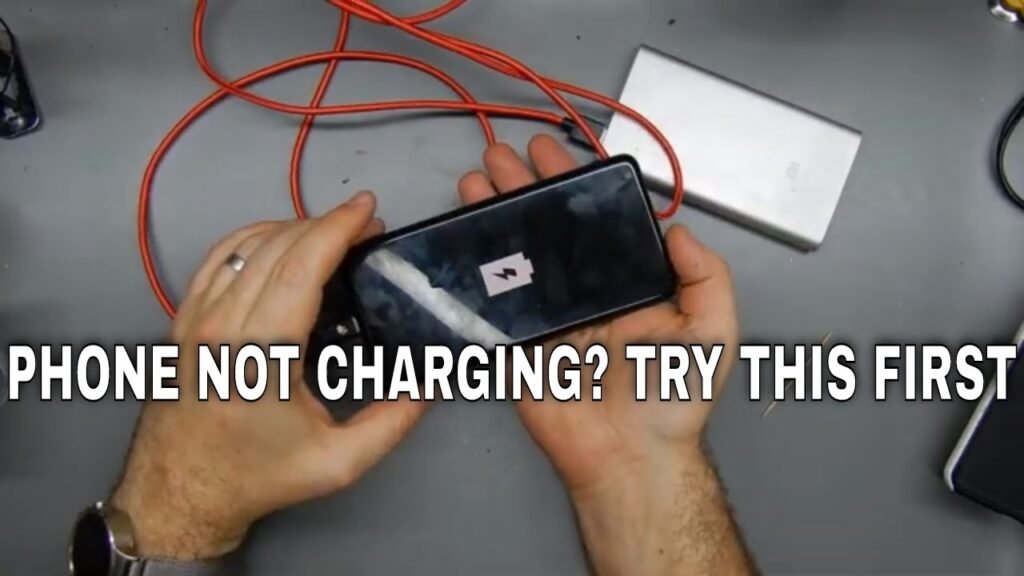
4. Restart the phone
A software issue can sometimes affect charging behaviour or battery reporting. Restart the device, reconnect the charger, and test again.
This is especially worth trying if the issue appeared suddenly.
5. Watch for battery warning signs
Charging problems can sometimes point to a deeper issue. Look out for:
- Fast battery drain
- Phone becoming very hot while charging
- Battery percentage jumping unpredictably
- The screen lifting slightly
- The phone shutting off unexpectedly
Pro Tip
If the phone becomes unusually hot or appears swollen, stop charging it and get it checked quickly. Battery issues should not be ignored.
6. When to get it checked
Professional help may be needed if:
- Multiple chargers do not work
- The port is visibly damaged
- The phone only charges intermittently
- It gets too hot during charging
- The battery life has suddenly worsened